
There is a temptation to make every new business workflow “AI-powered.” Your form gets AI. Your calendar gets AI. Your coffee mug probably gets AI if you shop online long enough.
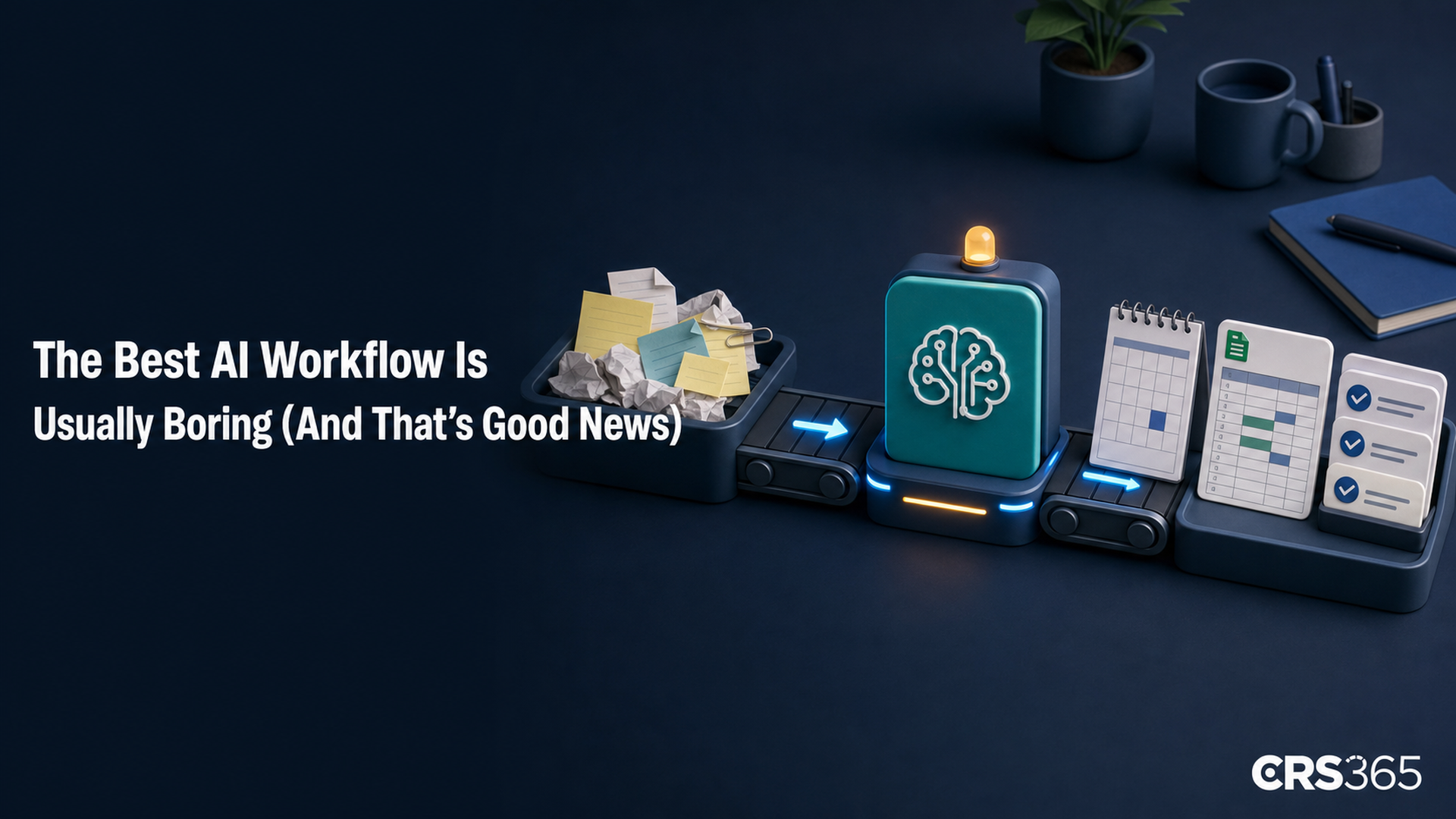
But the best automation for a small business is often much less exciting: a few dependable rules, one useful AI step, and a human who can see what happened. Boring is not a failure here. Boring is how a workflow survives a busy Monday.
AI should be one part of the workflow
Zapier’s new AI Workflow Index makes the point with a number worth remembering: AI represented just 18% of the steps in the AI-enabled workflows it studied. The rest was ordinary automation — moving data, applying rules, branching, updating records, and sending information where it needed to go.
That report looked at the most active AI adopters in a panel of 1,500 companies, not the average one-person business, so do not treat it as a universal benchmark. Still, the lesson travels well: use AI where the input is messy or the answer needs judgment. Use regular automation for everything that is simply “when this happens, do that.”
“AI handles the part that needs reasoning, while the surrounding steps run on conventional automation.”
Zapier’s AI Workflow Index
A small example: from inquiry to next step
Imagine you are a freelance designer, coach, or consultant. New inquiries arrive through a form, email, and the occasional message that starts with “Hey, quick question.” Here is a sensible workflow:
- Rule: collect every inquiry in one place and add the date, contact details, and source automatically.
- AI step: read the messy description and label it by service, urgency, and missing information.
- Rule: send anything missing a budget or deadline to a “needs details” list.
- Human step: review the short list and decide who gets a real reply today.
- Rule: create a follow-up reminder only after you approve the next step.
Notice what is not happening: the AI is not freelancing on your behalf, promising a delivery date, or sending a confident paragraph to a potential client without supervision. It is doing the annoying reading and sorting. You keep the judgment.
Why the “boring” version is cheaper and safer
Zapier modeled the difference between sending every workflow step through a language model and reserving AI for the steps that need reasoning. In its sample, the selective-AI version cost 71% less to run. That is a modeled estimate, not a promise about your bill, but the design principle is useful: do not pay a model to move a date from one app to another.
The same approach also makes mistakes easier to find. If a workflow has clear handoffs, you can ask: Did the form fail? Did the AI label the inquiry oddly? Did the rule send it to the right list? A giant “agent” that does everything may look clever right up until you need to explain why a client got the wrong email.
Start with one workflow, not an AI makeover
Small businesses are already using AI, but most are still figuring out how to make it dependable. A 2026 Goldman Sachs survey of 1,256 small-business owners found that 76% currently use AI, while only 14% say it is fully embedded in their core operations. And 73% say they would benefit from more training and implementation resources.
That gap is not a reason to buy five more tools. It is a reason to choose one recurring headache and map it on paper:
- What starts the workflow?
- Which parts are just rules and data movement?
- Where is the input too messy for a simple rule?
- Where must a human approve the next action?
- What would “better” look like after two weeks?
For most freelancers and small teams, that first project might be inquiry sorting, meeting-note cleanup, a weekly content brief, or turning receipts into a tidy review list. Pick the task you explain with a sigh. Give AI the narrow part that needs reading or judgment, and let the rest stay pleasantly predictable.
Google’s July AI roundup, published August 4, shows how quickly new tools are moving toward connected apps and multi-step errands. That is exciting. It is also a good reason to keep your own workflows small enough to understand. You do not need the fanciest setup. You need one that still makes sense when you are tired.
Want help figuring out where AI fits in your business?
Two quick ways we can help:
- Free AI Fit Score — a quick self-assessment to see where AI can save you the most time in your work. Take it here: https://fitscore.crs365.com/
- Free 30-minute intro consult — a no-pressure chat to understand your setup, answer questions, and show you what we could do together. Book here: https://calendly.com/chadshoop/30-minute-consult