
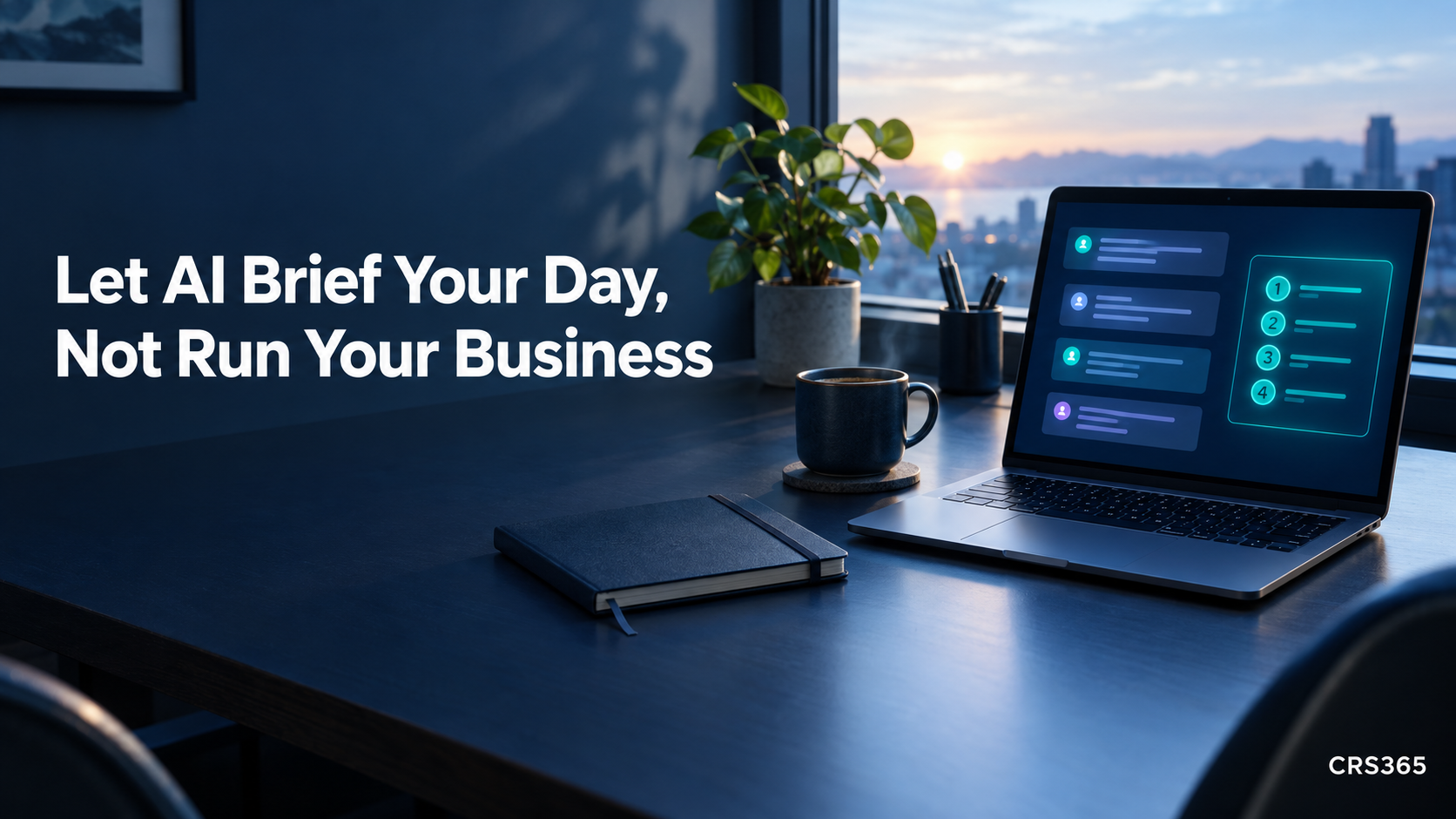
Some mornings, running a small business feels less like doing the work and more like checking five places to remember what the work is. There’s a client question, a deadline, and yesterday’s note that says “follow up” without saying with whom. Coffee is doing its best.
A newer kind of AI assistant promises to bring the important bits to you. That could help. Start by asking for a short briefing, not handing it the keys to your business.
The assistant is starting to come to you
On October 21, Anthropic introduced Claude Duet, a research-preview app for professionals and small-business owners. It can prepare a morning summary from connected apps and work on tasks while you step away. It asks before sending messages, making payments, signing documents, or deleting information. The waitlist preview is for Claude Pro and Max subscribers, so it is a direction to watch, not a tool everyone can use today. Read Anthropic’s announcement and preview details.
The useful idea is bigger than one app: let AI sort information, then decide what deserves attention. A freelance designer might see tomorrow’s client call, a project waiting on feedback, and an unanswered deadline question together. The assistant can suggest a next step; you choose whether to move the meeting, reply, or wait until after breakfast.
Ask for a brief, not a second inbox
Try a small request with information you are comfortable sharing. Keep the first version read-only: no sending, editing, purchasing, or changing calendar events. You can use a prompt like this in an AI assistant, or adapt it into a manual morning check:
Review only the work information I have approved for this task. Give me up to three items that need my attention today. For each one, include the source, deadline if there is one, why it matters, and one suggested next step. Separate confirmed details from guesses. Do not send messages, change records, or make commitments. If nothing needs attention, say so.
That last instruction matters. A briefing should help you decide, not manufacture urgency. If it says “client needs an answer today,” open the original message. If you cannot check where a claim came from, treat it as a suggestion, not a fact.
Keep the test small enough to judge
A recent Goldman Sachs survey found 86% of its 10,000 Small Businesses alumni respondents used AI, but only 15% said it was fully integrated into core operations. These are program alumni, not a representative sample of every small business. The gap is a useful reminder: trying AI and building your workday around it are different things. See the report and methodology.
For one week, check whether the summary makes the day easier. On a scrap of paper, note whether it surfaced something useful, missed something important, or sent you chasing a false alarm. Did you spend less time reopening apps? If it creates more checking than it removes, narrow the request or stop.
Before connecting another account, ask yourself:
- What does it need to see? Start with one calendar or a small set of labeled messages, not every file and conversation you own.
- Can I verify each item? Keep links to the original email, task, or event so you can check the source quickly.
- What must stay human-approved? Replies to clients, schedule changes, payments, quotes, and promises should wait for your review.
If the tool asks for access you cannot explain, pause. A consultant can help untangle scattered information or decide what should stay private. The first setup should be limited, understandable, and easy to turn off, not a mystery assistant with access to everything.
Let the assistant carry the list, not the responsibility
A good briefing gives you a calmer starting point and a short list you can check against the original. It does not decide what your customers deserve, what you can promise, or which problem matters most. Start with three items, keep the final say, and see whether you get a little more of your morning back.
Want help figuring out where AI fits in your business?
Two quick ways we can help:
- Free AI Fit Score — a quick self-assessment to see where AI can save you the most time in your work. Take it here: https://fitscore.crs365.com/
- Free 30-minute intro consult — a no-pressure kickoff conversation to understand your setup, answer questions, and show you what we could do together. It is not a workshop or working meeting; it is a first chat so we can provide a quote if it makes sense. Book here: https://calendly.com/chadshoop/30-minute-consult